Cybersecurity
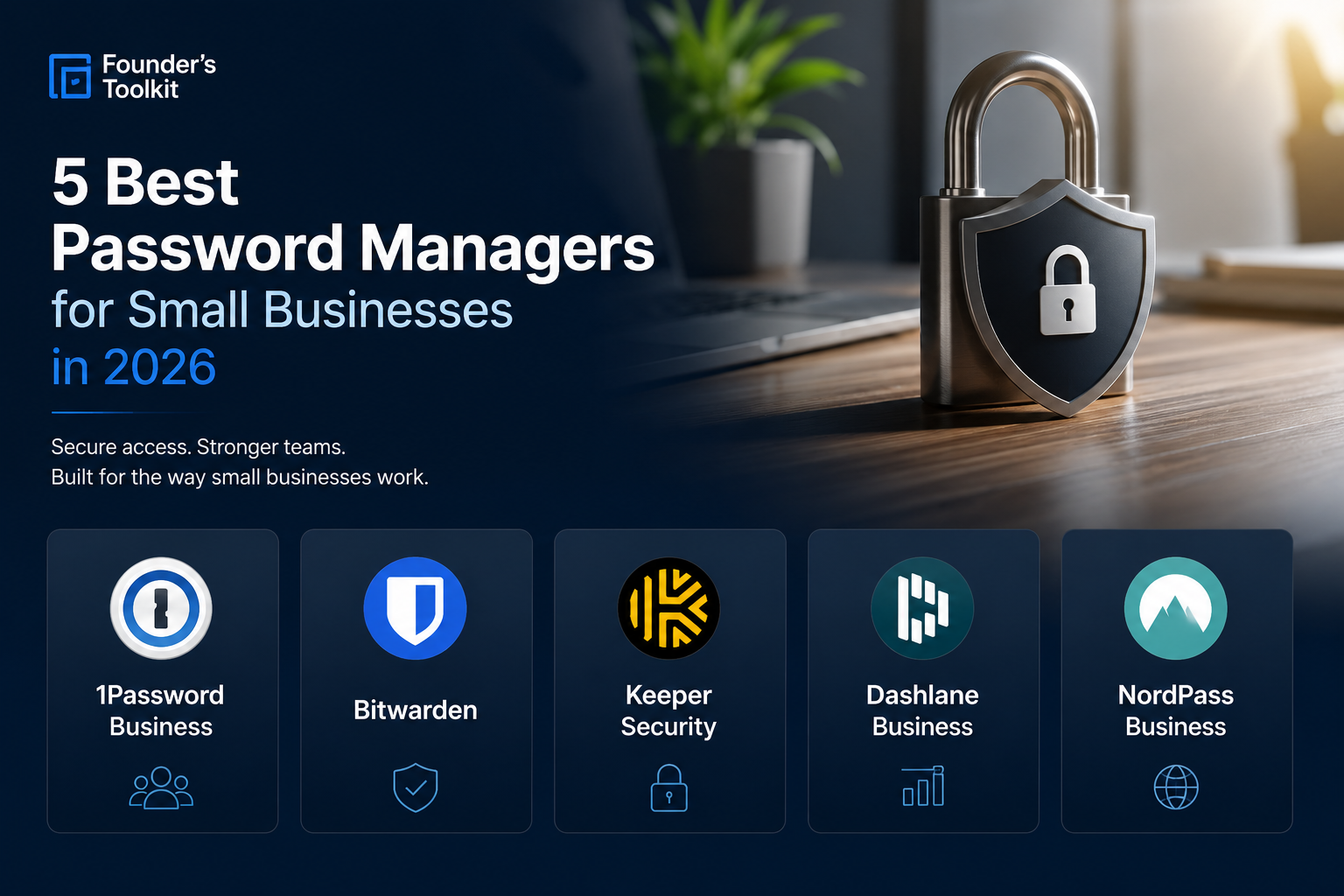
5 Best Password Managers for Small Businesses in 2026
Weak password security is one of the easiest ways attackers gain access to small business systems. A business password manager gives teams a secure, centralized way to store, share, and manage credentials across devices and employees. The best options also include features like multi-factor authentication, admin dashboards, secure sharing, breach alerts, and compliance tools. After reviewing dozens of platforms, these are our team's picks for five best password managers for small businesses in 2026.
1. 1Password Business — Best Overall Password Manager for SMBs
1Password remains the gold standard for most small businesses thanks to its excellent balance of security, usability, and administrative control. The platform is polished, intuitive, and easy for non-technical employees to adopt quickly.
Its “vault” system makes credential organization extremely clean for growing teams, while features like Travel Mode, Watchtower breach monitoring, and granular permissions give businesses enterprise-grade functionality without enterprise complexity.
Why we recommend it:
Extremely user-friendly
Excellent admin controls
Secure vault sharing for teams
Strong browser and mobile experience
Great onboarding for non-technical companies
Best for:
Small and medium-sized businesses that want the best overall mix of usability and security
Potential drawbacks:
Slightly more expensive than some competitors
Advanced features may be unnecessary for very small teams
2. Bitwarden — Best Value Password Manager
Bitwarden has become incredibly popular among startups, IT professionals, and budget-conscious businesses because it delivers excellent security at a lower cost than most competitors.
Unlike many password managers, Bitwarden is open-source, which gives security-conscious organizations additional transparency into how the software works. Despite its lower pricing, the platform still includes advanced business features like vault management, SSO integrations, and password health reporting.
Why we recommend it:
Outstanding pricing
Open-source architecture
Strong security reputation
Excellent cross-platform support
Great for startups and technical teams
Best for:
Cost-conscious SMBs and technically sophisticated teams
Potential drawbacks:
Interface is less polished than 1Password
Slightly steeper learning curve for non-technical users
3. Keeper Security — Best for Security-Focused Organizations
Keeper Security is one of the strongest options for businesses that prioritize advanced security controls and compliance features. It is particularly popular among regulated industries and organizations that need robust administrative oversight.
The platform includes strong zero-trust architecture, dark web monitoring, secure file storage, policy enforcement, and detailed audit logging. Keeper also offers excellent role-based access controls for larger teams.
Why we recommend it:
Advanced security tooling
Strong compliance and auditing capabilities
Detailed admin visibility
Excellent MFA support
Highly scalable
Best for:
Security-conscious SMBs and regulated industries
Potential drawbacks:
More complex than simpler SMB-focused tools
Interface can feel more enterprise-oriented
4. Dashlane Business — Best for Simplicity and Ease of Use
Dashlane focuses heavily on ease of use and streamlined deployment, making it a strong option for businesses that want strong security without a difficult rollout process.
Its admin console is straightforward, onboarding is fast, and the platform includes useful features like dark web monitoring, phishing alerts, and integrated VPN functionality.
Dashlane’s browser-first approach also works extremely well for companies that operate primarily through cloud software and SaaS platforms.
Why we recommend it:
Very easy deployment
Excellent user experience
Strong browser integration
Built-in security monitoring tools
Good employee adoption rates
Best for:
SMBs prioritizing simplicity and fast implementation
Potential drawbacks:
Pricing can become expensive as teams grow
Less flexible than some competitors for advanced IT environments
5. NordPass Business — Best Emerging SMB Option
NordPass has rapidly improved over the last several years and is now one of the strongest emerging password managers for SMBs. Developed by the team behind NordVPN, it combines strong security fundamentals with a clean and approachable interface.
The platform includes secure password sharing, admin management, password health tools, and breach detection features while remaining relatively affordable for smaller organizations.
Why we recommend it:
Clean and modern interface
Easy onboarding
Good pricing for smaller teams
Strong security fundamentals
Improving rapidly year-over-year
Best for:
Growing SMBs looking for a modern, approachable solution
Potential drawbacks:
Fewer advanced enterprise features
Smaller ecosystem than older competitors
Which Password Manager Is Best for Your Business?
For most small businesses, 1Password is currently the best overall choice due to its combination of usability, security, and administrative functionality.
However, different businesses may prioritize different factors:
Choose Bitwarden if cost efficiency and open-source transparency matter most
Choose Keeper if advanced security controls are your top priority
Choose Dashlane if you want the simplest onboarding experience
Choose NordPass if you want a modern and affordable emerging platform
Ultimately, the best password manager is the one your employees will actually use consistently. Ease of adoption matters just as much as technical security features.
As cyber threats targeting small businesses continue to grow in 2026, implementing a business password manager is no longer optional — it is one of the highest-return security investments an SMB can make.